A fresh quote,
every day.
Start the day with words that move you. jMotivation puts hand-picked quotes on your lock screen, wallpaper and home screen, and nudges you at the times you choose.
- No ads
- No account
- Works offline
- 100 quotes · 10 categories
Everything you need to stay inspired
Simple, calm and private. jMotivation does one thing well: it keeps a good thought in front of you.
A new thought waiting every morning
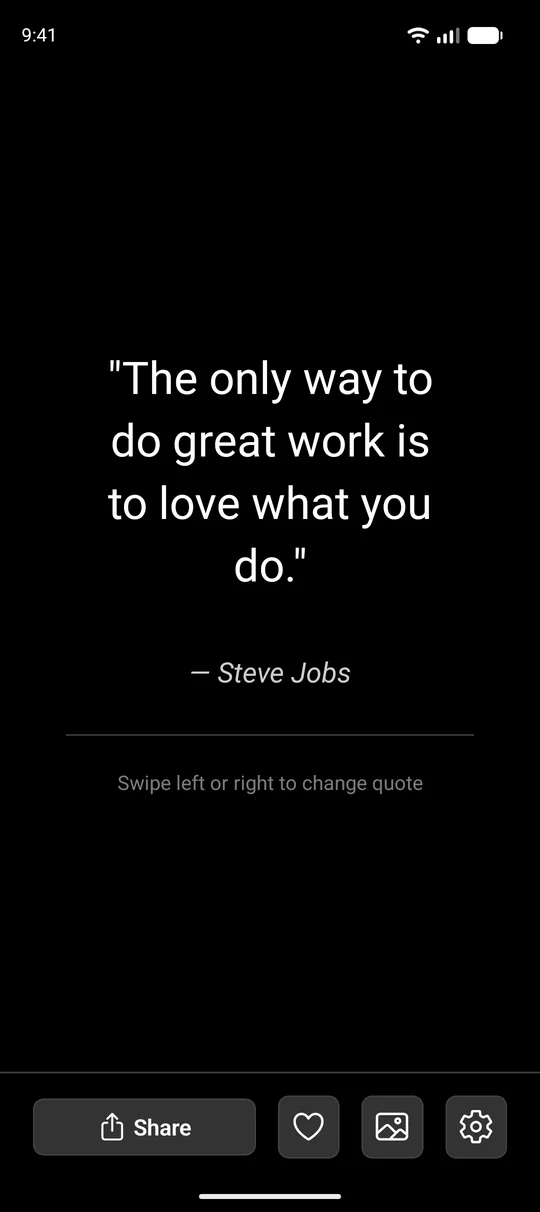
Open the app and today's quote is right there. Browse by category, save the ones you love and share them with a friend in a tap.
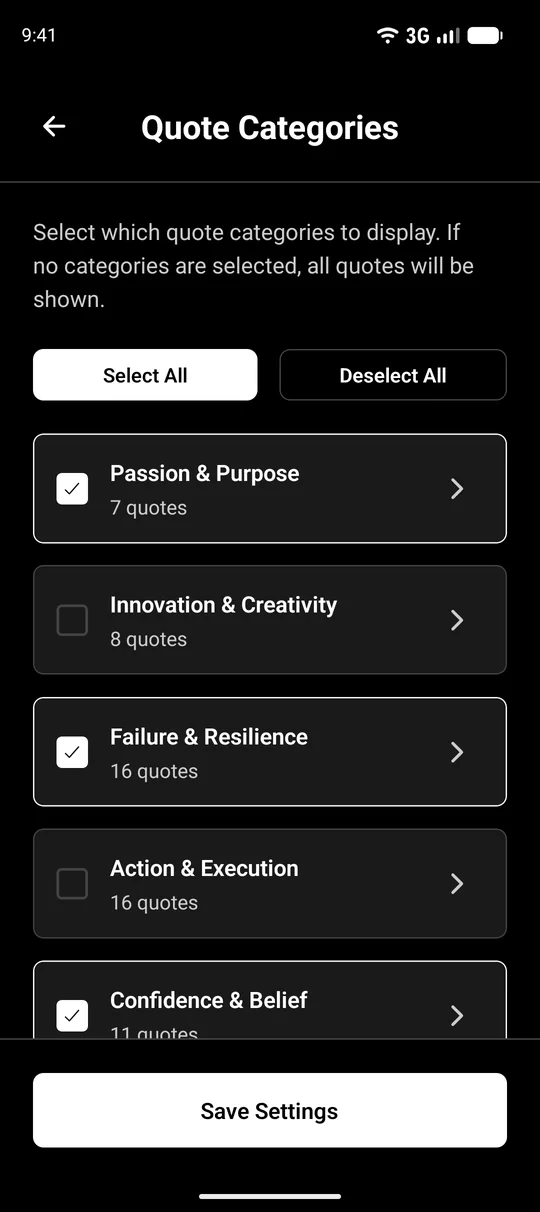
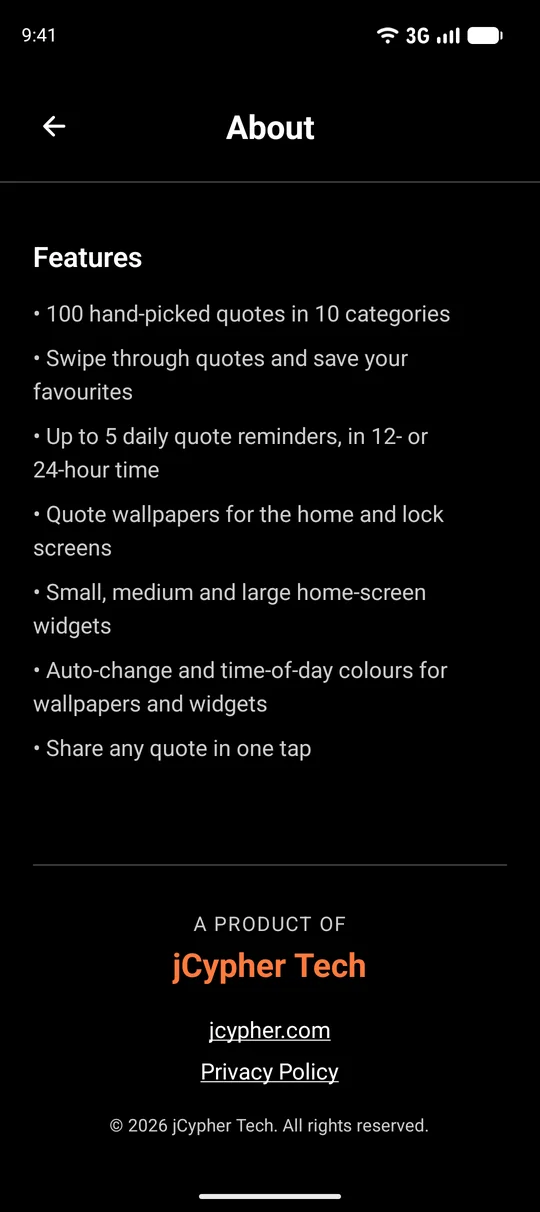
- 100 hand-picked quotes across 10 categories
- Favourites you can come back to any time
- Share a quote as text or a picture
A gentle nudge, right when you need it
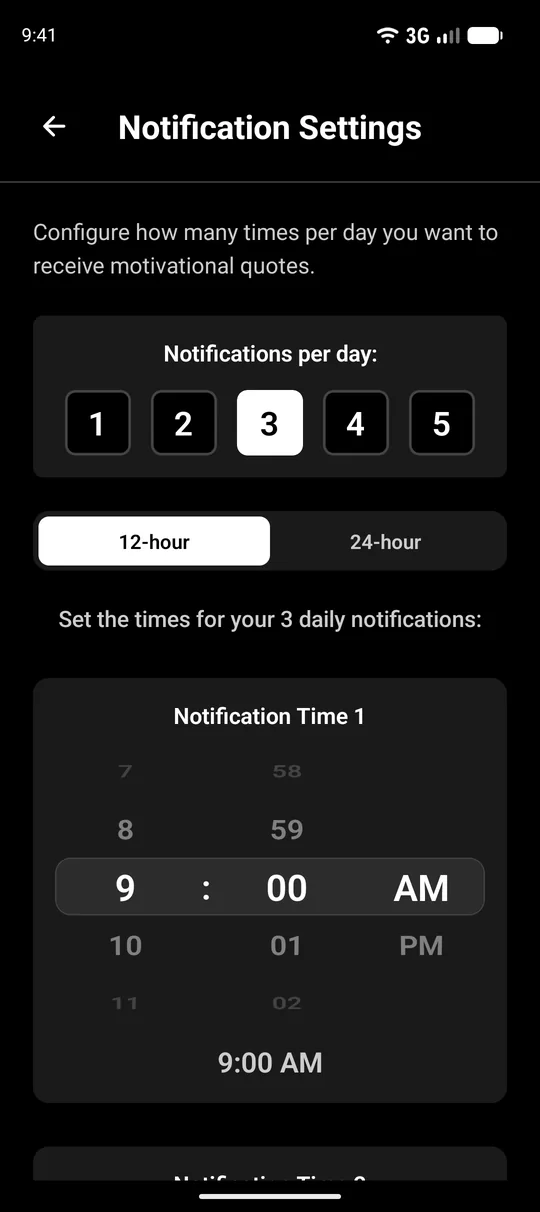
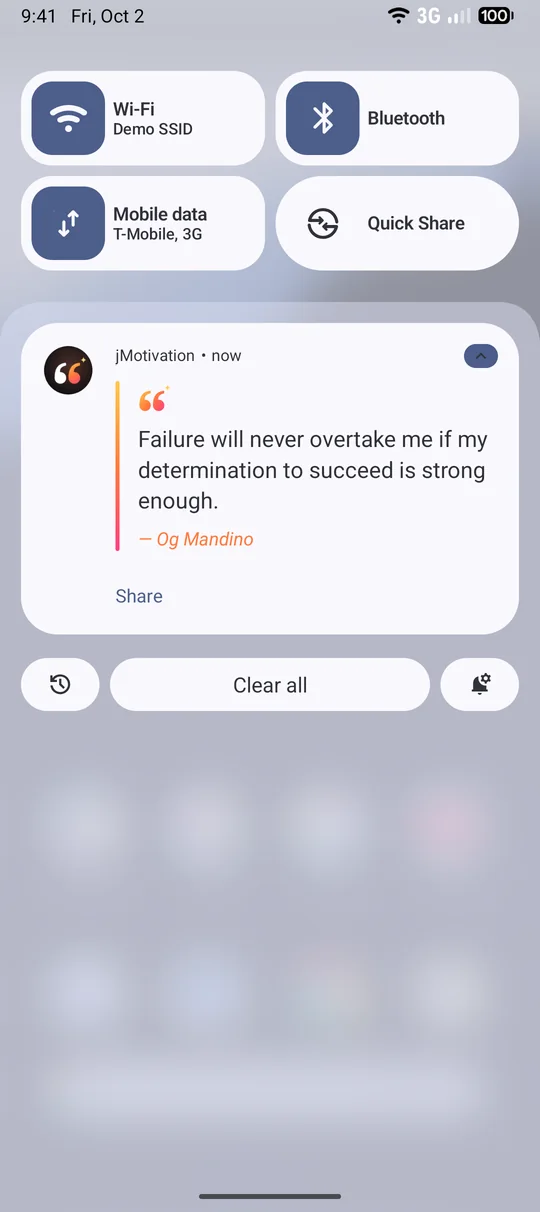
Pick up to five times a day. Each reminder arrives as a notification with a quote, and tapping it opens that exact quote in the app.
- Choose your own times
- Reminders keep working after a phone restart
- Entirely optional, turn them off whenever you like
Turn any quote into your wallpaper
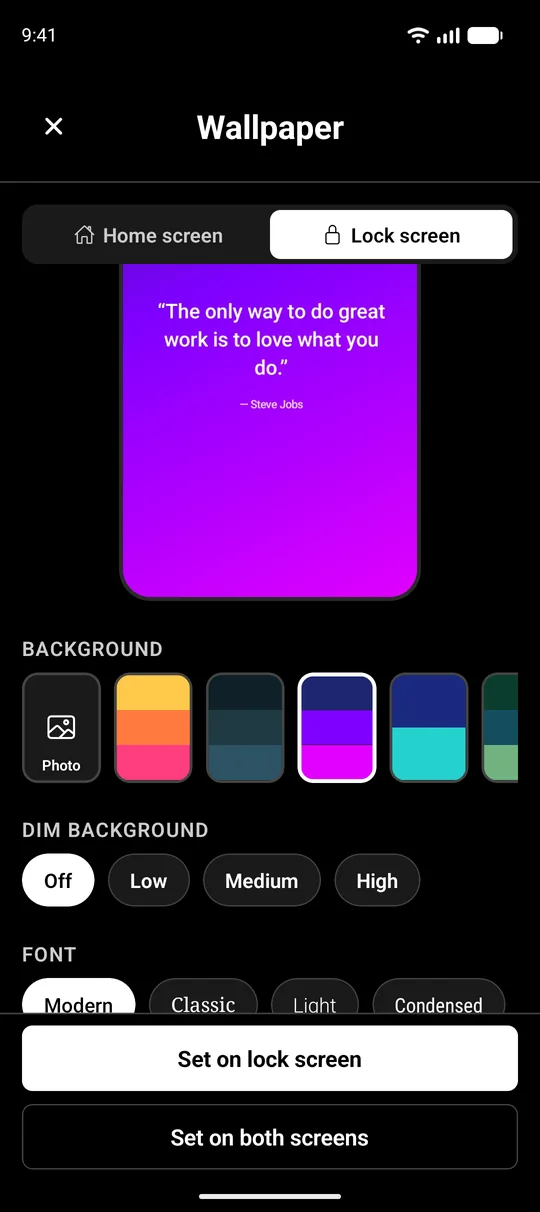
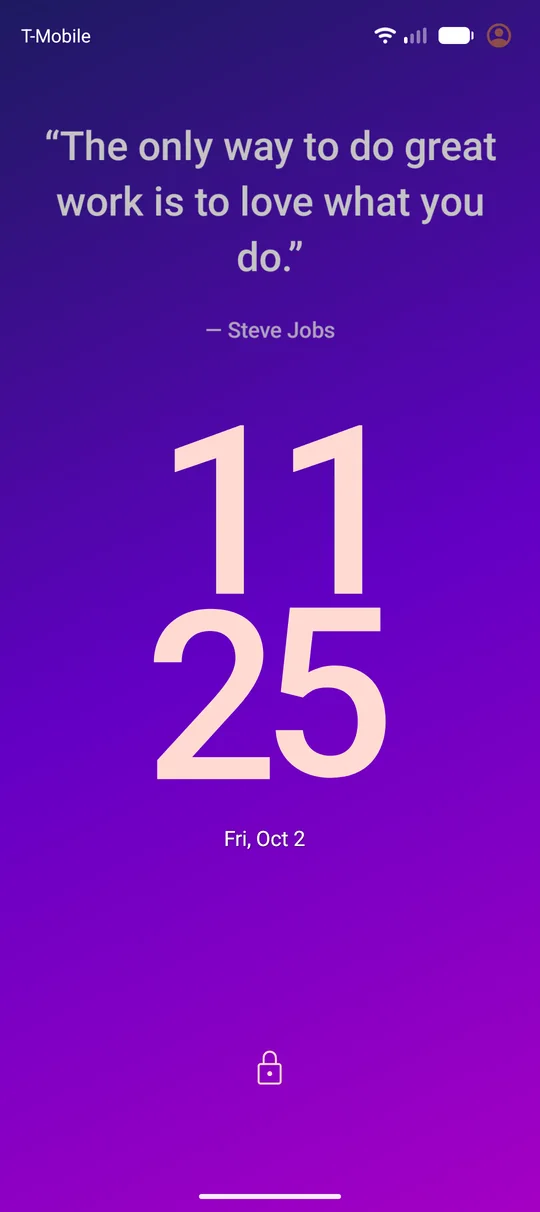
Wallpaper Studio lets you pick colours, a photo from your gallery, the font, size and position, then sets it on your home screen or lock screen.
- Gradients, solid colours or your own photo
- Optional colours that follow the time of day
- Auto-change to a new quote on a schedule you choose
- Rotate your phone and the quote stays upright, with only the background shown in landscape
Good to know: to keep the quote upright when you rotate, the home screen wallpaper is set as a live wallpaper. Android shows its own preview once, and you tap Set wallpaper to confirm.
Your quote, always on the home screen
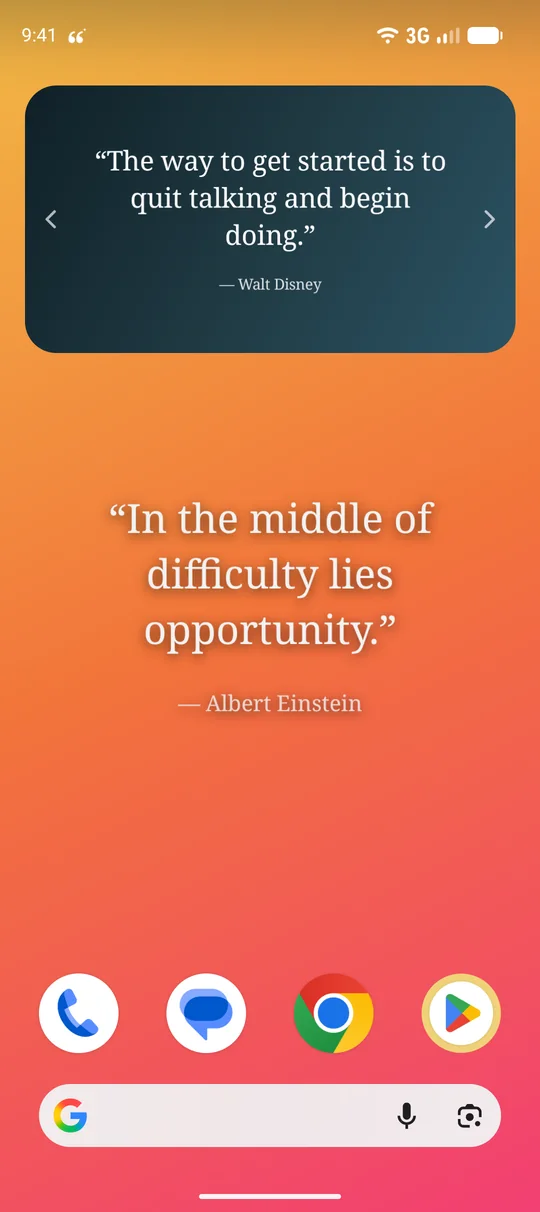
Add a jMotivation widget and the day's quote sits right with your apps. It refreshes on its own, in the style you choose.
- Several widget sizes
- Refreshes automatically
- Matches your wallpaper style
Favourites
Heart a quote to keep it. Your collection stays on your phone.
Time-of-day colours
Warm mornings, deep evenings. Let the wallpaper colours follow the clock.
Private by design
No account, no ads, no analytics. Nothing you do in the app leaves your phone.
A quick tour
Less than a minute from first quote to finished wallpaper.
Take a look inside
Private by design
jMotivation does not collect, store on a server or share any personal information. Here is what the app asks for and why.
accounts or sign-ups
ads or trackers
bytes of personal data sent anywhere
| Permission | Why the app uses it |
|---|---|
| Notifications | To show your daily quote reminders. Optional. |
| Alarms & reminders | To deliver reminders at the exact time you pick. Optional. |
| Run at startup | To bring your reminders back after the phone restarts. |
| Set wallpaper | To apply the quote wallpaper you create to your home or lock screen. |
| Vibrate & keep awake | So a reminder can vibrate and wake the screen briefly. |
| Your photos | Only if you choose a photo as a wallpaper background. It is picked with Android's own photo picker and never leaves your phone. |
Questions, answered
Is jMotivation free?
Yes. It is free, with no ads and no in-app purchases.
Does it need an internet connection?
No. Every quote is built into the app, so it all works offline.
Do I need to create an account?
No. There is no sign-up or login, and the app does not collect personal data.
Which phones does it work on?
Any Android phone running Android 7.0 (Nougat) or newer.
Why does Android ask me to confirm the wallpaper?
The home screen wallpaper is a live wallpaper, which is what lets the quote stay upright when you rotate your phone. For safety, Android always shows its own preview with a Set wallpaper button the first time. After that, new quotes update automatically without asking again.
Why is the quote hidden when I rotate to landscape?
That is on purpose. In landscape only the background is shown so the quote is never stretched or cut off. Turn the phone back to portrait and the quote returns.
My reminders arrive late or not at all. What can I do?
Open Android Settings → Apps → jMotivation and make sure Notifications and Alarms & reminders are allowed. Some phones also have battery savers that pause apps, so set jMotivation to Unrestricted if reminders are delayed.
How do I delete my data?
Everything is stored on your phone only. Uninstall the app or choose Clear storage in Android's app settings and it is all gone. See the Privacy Policy for details.
Still stuck? Contact support.

Make every day a little brighter
Free for Android. No ads, no account, no tracking.